Remedi: Mobile App Design
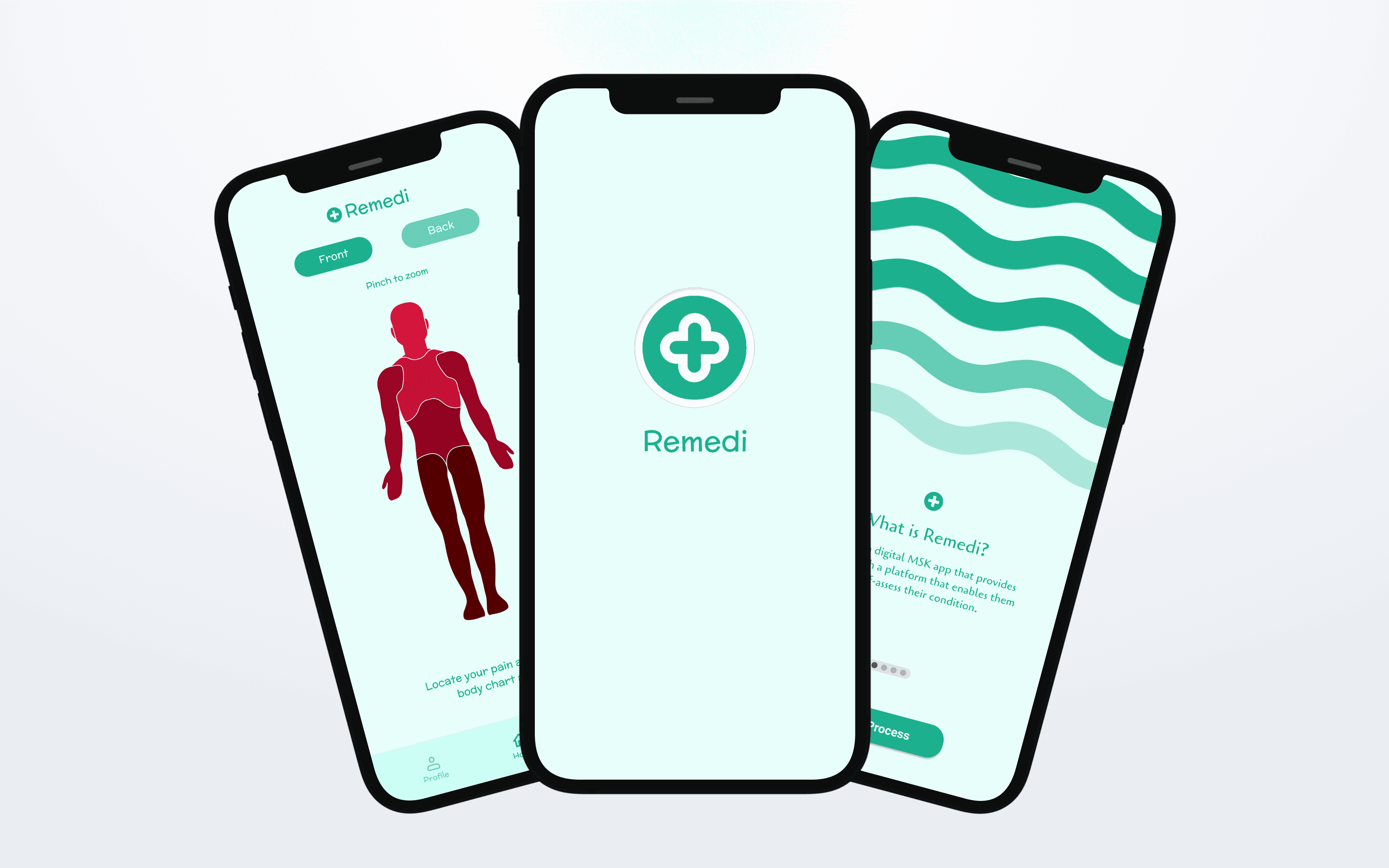
A digital MSK app that provides patients with a platform that enables them to self-assess their condition.
Role
UX/UI Designer
Industry
Health
Industry
Health
Duration
1 week
Stage 1. Brief
For this project the brief was to design a digital MSK platform to provide patients with a platform enabling them to self-assess their condition and receive a report could include a summary of their condition, generic information and advice, suggested exercises and a booking platform for onward care. This was a partner project with a one-week deadline, requiring us to work quickly and communicate effectively to complete all tasks on time.
Stage 2. Task delegation & Role definition
As this was a fast-paced project, we quickly delegated tasks to stay on track. I focused on prototyping the main app, while my partner created the in-app artwork. Clearly defining our roles from the start allowed us to work efficiently as a team, with a shared understanding of what needed to be done.
Stage 3. UI Research
This was one of my first university projects focused on designing a visual user interface for an app. While I had learned the basics in a previous project, I was eager to build on those skills during this short sprint. I explored the principles behind effective screen design, using Material Design as a key source of inspiration and guidance. I knew the main project of this module would involve designing an app prototype, so this project served as a perfect starting point for developing my passion for UI and UX design.
Stage 4. UI Design & Iteration
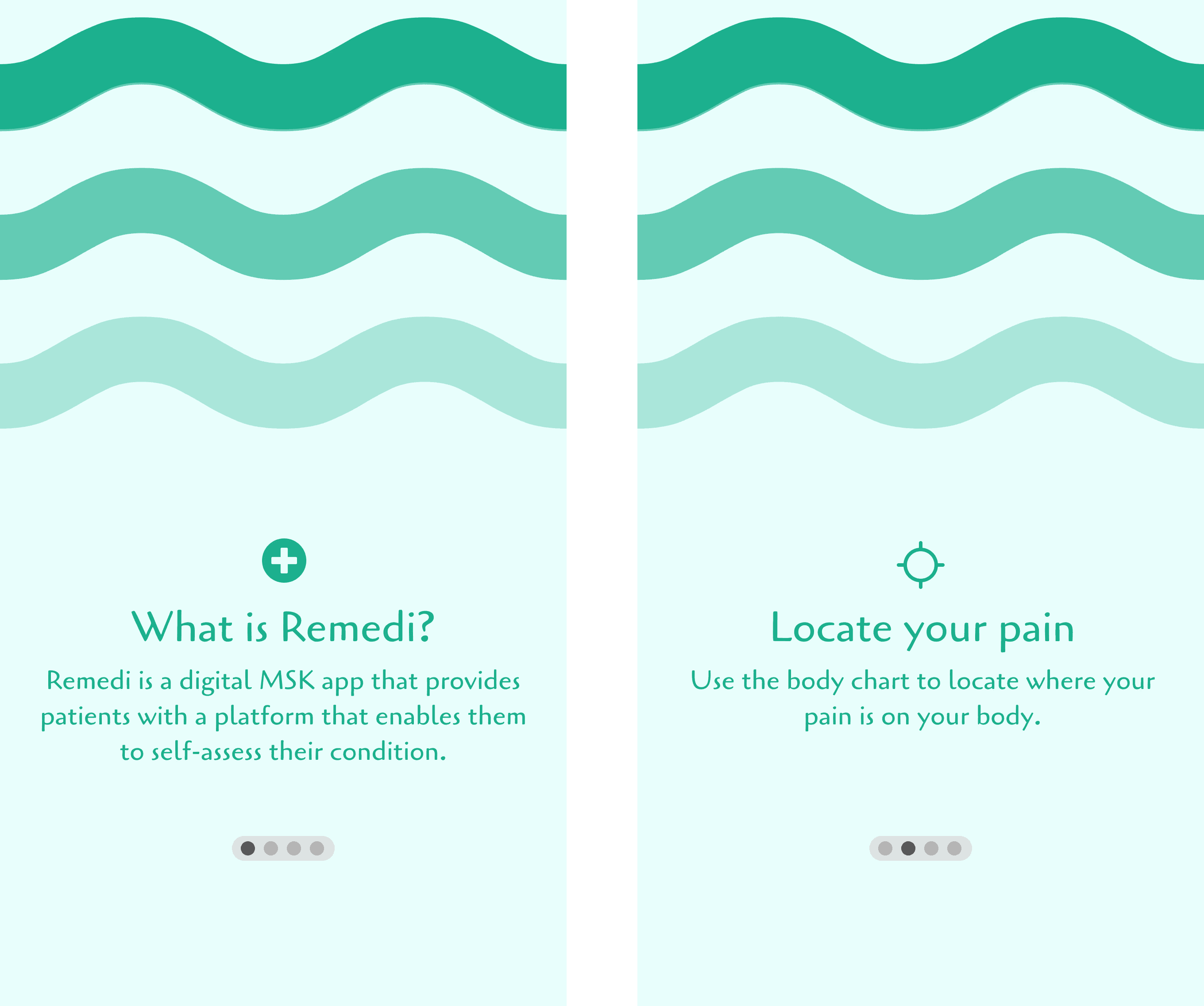
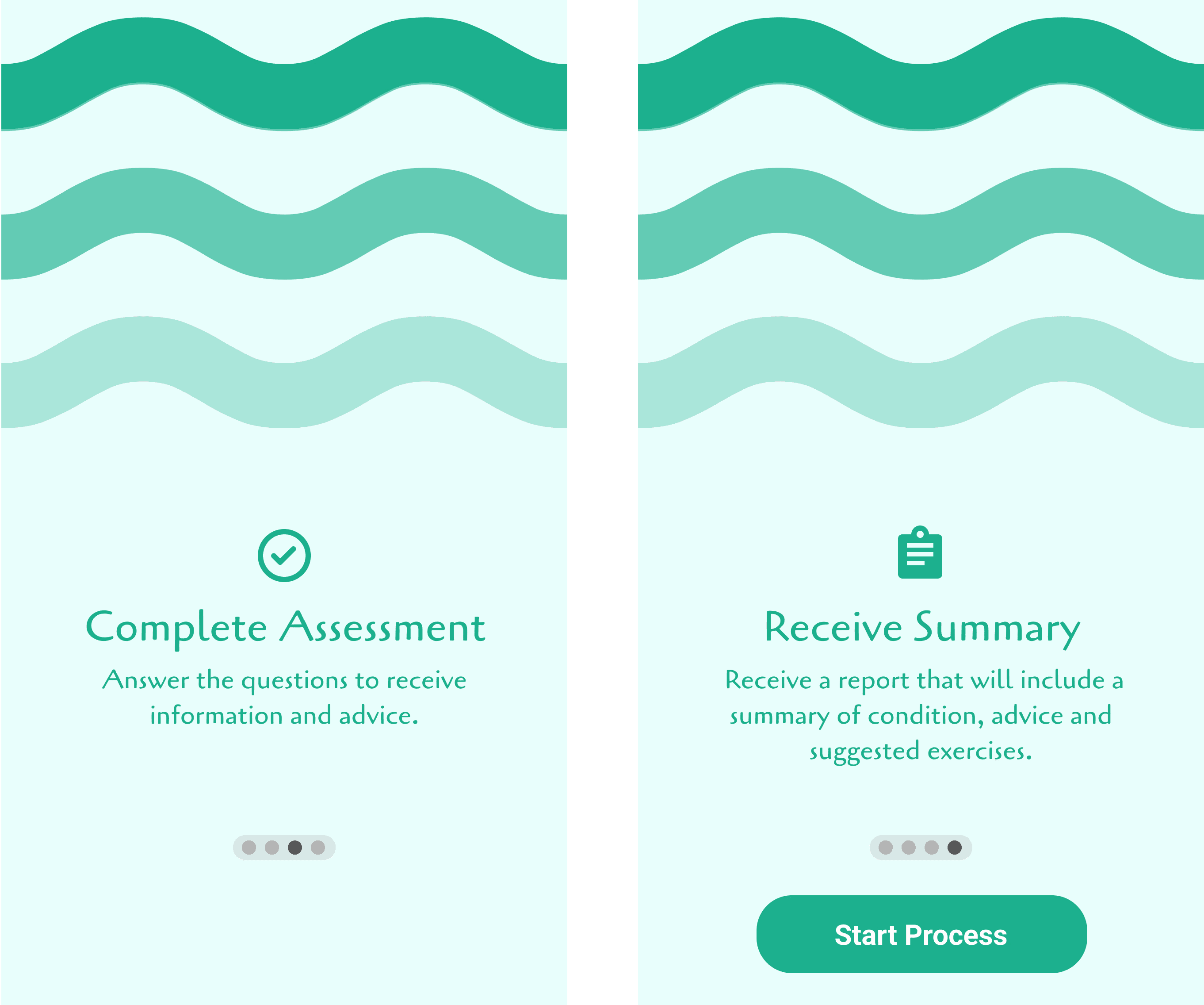
Wireframing & UI Design: I created detailed wireframes for the app using Figma, focusing on a clean, user-friendly interface. The design prioritized a cohesive aesthetic, with a refined colour scheme selected to reflect the app’s trustworthy and professional tone.
Iteration & Research: I iterated the UI design based on lecturer feedback and researched traditional UI standards to enhance the overall quality of the project. While collaborating closely with my partner, ensuring that all tasks would get completed in our short time frame.
Stage 1. Brief
For this project the brief was to design a digital MSK platform to provide patients with a platform enabling them to self-assess their condition and receive a report could include a summary of their condition, generic information and advice, suggested exercises and a booking platform for onward care. This was a partner project with a one-week deadline, requiring us to work quickly and communicate effectively to complete all tasks on time.
Stage 2. Task delegation & Role definition
As this was a fast-paced project, we quickly delegated tasks to stay on track. I focused on prototyping the main app, while my partner created the in-app artwork. Clearly defining our roles from the start allowed us to work efficiently as a team, with a shared understanding of what needed to be done.
Stage 3. UI Research
This was one of my first university projects focused on designing a visual user interface for an app. While I had learned the basics in a previous project, I was eager to build on those skills during this short sprint. I explored the principles behind effective screen design, using Material Design as a key source of inspiration and guidance. I knew the main project of this module would involve designing an app prototype, so this project served as a perfect starting point for developing my passion for UI and UX design.
Stage 4. UI Design & Iteration
Wireframing & UI Design: I created detailed wireframes for the app using Figma, focusing on a clean, user-friendly interface. The design prioritized a cohesive aesthetic, with a refined colour scheme selected to reflect the app’s trustworthy and professional tone.
Iteration & Research: I iterated the UI design based on lecturer feedback and researched traditional UI standards to enhance the overall quality of the project. While collaborating closely with my partner, ensuring that all tasks would get completed in our short time frame.
Stage 5: User Experience
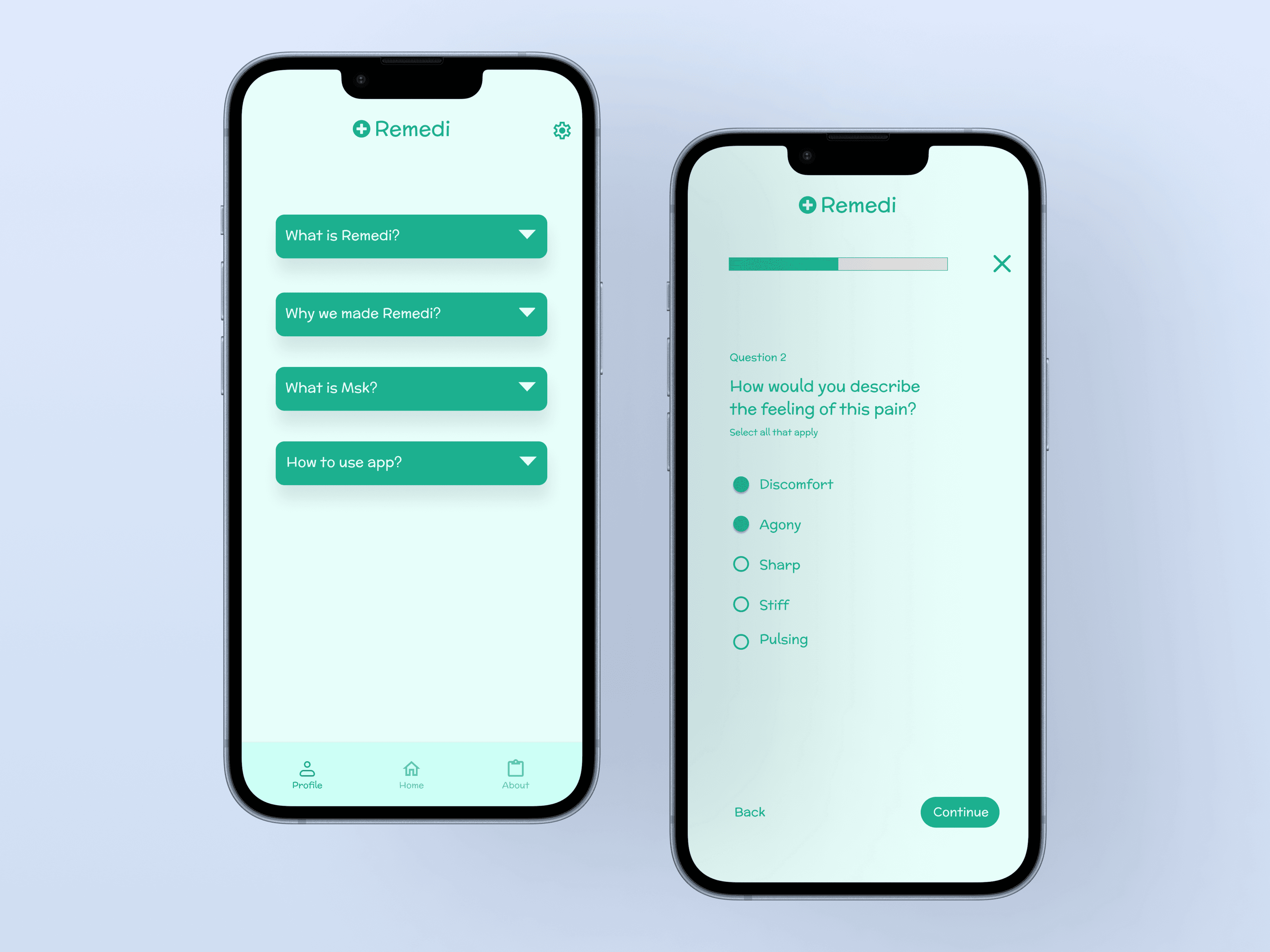
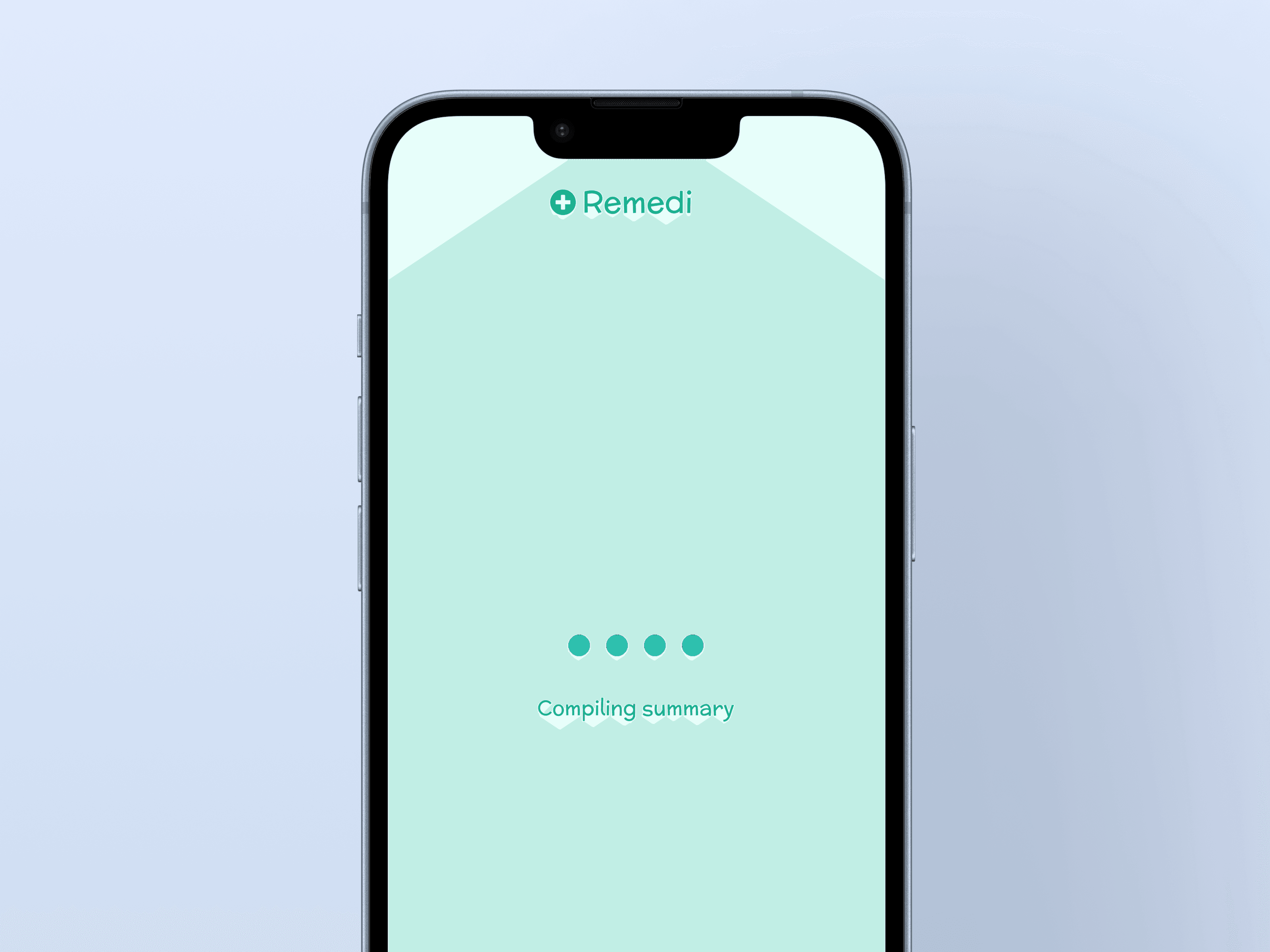
Once all the screens were designed, I exported them to ProtoPie to add in the interactions. Since the intended user journey was a short experience, I focused on keeping the process as simple and straightforward as possible. By using familiar interface elements, such as a progress bar to indicate survey completion, I aimed to help users reach their end goal with clarity and ease.
Stage 6. Final Presentation
Once wrapping up under the tight deadline, we pitched our concept to the client with an informative presentation, explaining our design choices and final app design. The presentation highlighted how a user could self-diagnose their condition using a body chart, eliminating the need for consultation. This feature was supported by intuitive interactions and smooth animations to make the experience as simple and user-friendly as possible.
Reflections
This project marked the beginning of my passion for app design. Working on a real-life brief for a client not only allowed me to apply my skills, but it also sparked my enthusiasm for a future in the field. Collaborating with a partner was an enjoyable experience and taught me the importance of task delegation to meet tight deadlines. The challenge of balancing creativity with efficiency in such a short time frame was incredibly rewarding, and it solidified my desire to pursue app design as a career.
Reflections
This project marked the beginning of my passion for app design. Working on a real-life brief for a client not only allowed me to apply my skills, but it also sparked my enthusiasm for a future in the field. Collaborating with a partner was an enjoyable experience and taught me the importance of task delegation to meet tight deadlines. The challenge of balancing creativity with efficiency in such a short time frame was incredibly rewarding, and it solidified my desire to pursue app design as a career.
Reflections
This project marked the beginning of my passion for app design. Working on a real-life brief for a client not only allowed me to apply my skills, but it also sparked my enthusiasm for a future in the field. Collaborating with a partner was an enjoyable experience and taught me the importance of task delegation to meet tight deadlines. The challenge of balancing creativity with efficiency in such a short time frame was incredibly rewarding, and it solidified my desire to pursue app design as a career.
Stage 5: User Experience
Once all the screens were designed, I exported them to ProtoPie to add in the interactions. Since the intended user journey was a short experience, I focused on keeping the process as simple and straightforward as possible. By using familiar interface elements, such as a progress bar to indicate survey completion, I aimed to help users reach their end goal with clarity and ease.
Stage 6. Final Presentation
Once wrapping up under the tight deadline, we pitched our concept to the client with an informative presentation, explaining our design choices and final app design. The presentation highlighted how a user could self-diagnose their condition using a body chart, eliminating the need for consultation. This feature was supported by intuitive interactions and smooth animations to make the experience as simple and user-friendly as possible.
Summit: Mobile App Design
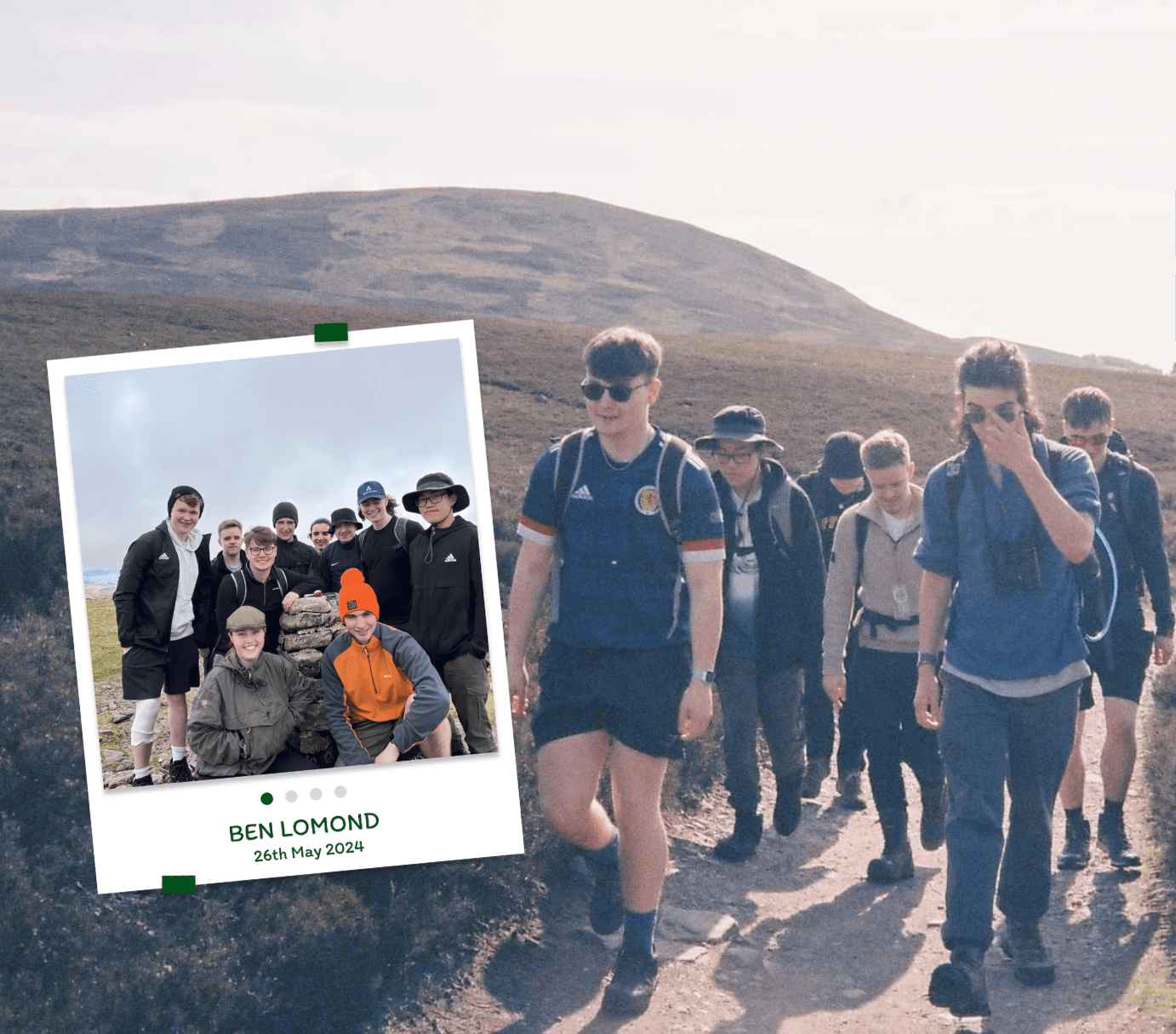
A mobile app designed to inspire more people to start Munro Bagging by providing accessible mountain info and community-driven motivation.
My honours project: Naya
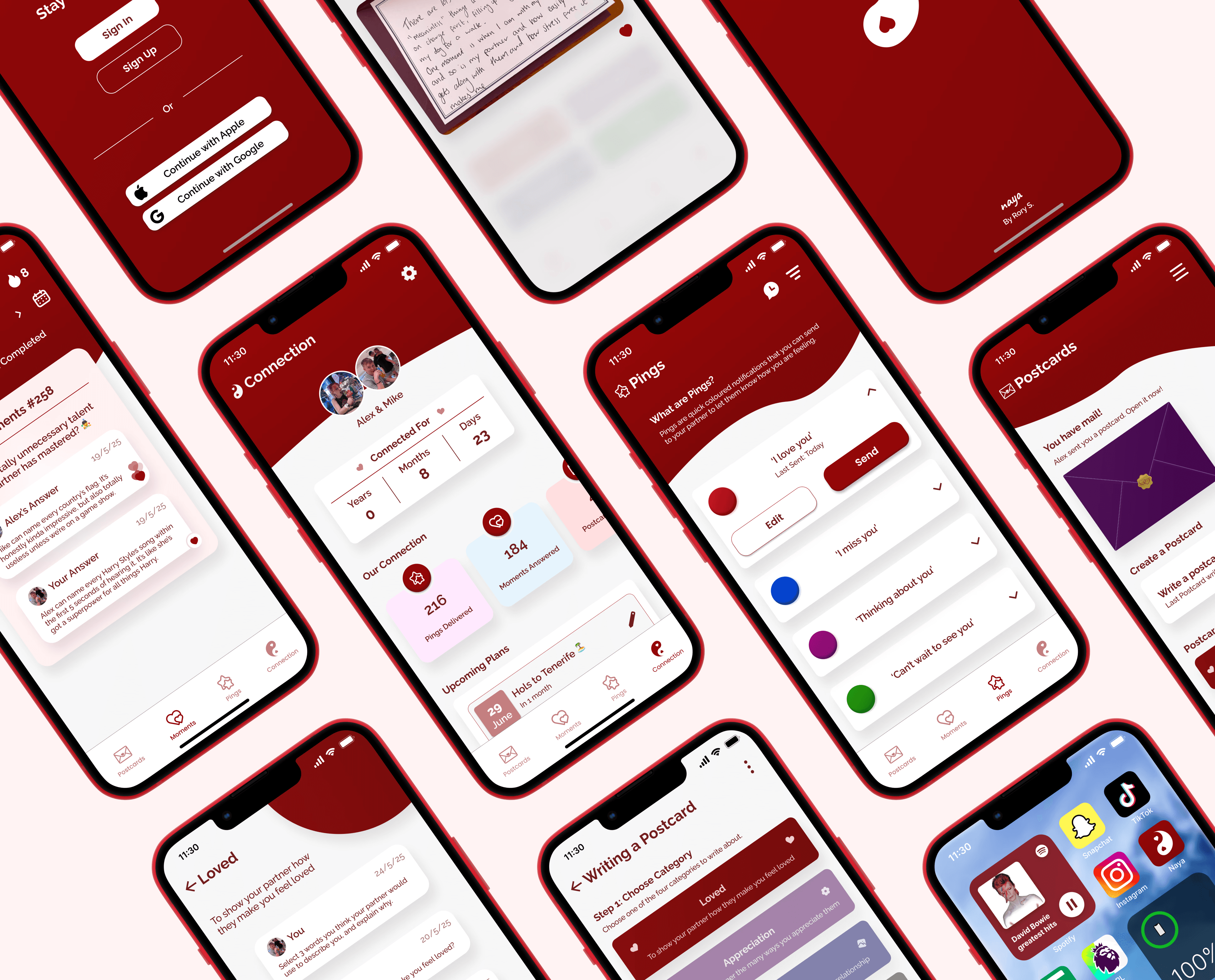
A mobile app focusing on helping users maintain a meaningful connection in their relationship through unique communication methods.